
1
More SQL
Defining a Database Schema
Views

2
Defining a Database
Schema
A database schema comprises
declarations for the relations
(“tables”) of the database.
Many other kinds of elements may
also appear in the database
schema, including views, indexes,
and triggers, which we’ll introduce
later.

3
Declaring a Relation
Simplest form is:
CREATE TABLE <name> (
<list of elements>
);
And you may remove a relation
from the database schema by:
DROP TABLE <name>;

4
Elements of Table Declarations
The principal element is a pair
consisting of an attribute and a type.
The most common types are:
INT or INTEGER (synonyms).
REAL or FLOAT (synonyms).
CHAR(n ) = fixed-length string of n
characters.
VARCHAR(n ) = variable-length string of
up to n characters.

5
Example: Create Table
CREATE TABLE Sells (
bar
CHAR(20),
beer
VARCHAR(20),
price
REAL
);

6
Dates and Times
DATE and TIME are types in SQL.
The form of a date value is:
DATE ‘yyyy-mm-dd’
Example: DATE ‘2002-09-30’ for Sept.
30, 2002.

7
Times as Values
The form of a time value is:
TIME ‘hh:mm:ss’
with an optional decimal point and
fractions of a second following.
Example: TIME ’15:30:02.5’ = two and
a half seconds after 3:30PM.

8
Declaring Keys
An attribute or list of attributes may
be declared PRIMARY KEY or UNIQUE.
These each say the attribute(s) so
declared functionally determine all
the attributes of the relation schema.
There are a few distinctions to be
mentioned later.

9
Declaring Single-Attribute Keys
Place PRIMARY KEY or UNIQUE after
the type in the declaration of the
attribute.
Example:
CREATE TABLE Beers (
name
CHAR(20) UNIQUE,
manf
CHAR(20)
);

10
Declaring Multiattribute
Keys
A key declaration can also be
another element in the list of
elements of a CREATE TABLE
statement.
This form is essential if the key
consists of more than one attribute.
May be used even for one-attribute
keys.

11
Example: Multiattribute
Key
The bar and beer together are the key for
Sells:
CREATE TABLE Sells (
bar
CHAR(20),
beer
VARCHAR(20),
price
REAL,
PRIMARY KEY (bar, beer)
);

12
PRIMARY KEY Versus
UNIQUE
The SQL standard allows DBMS
implementers to make their own
distinctions between PRIMARY KEY
and UNIQUE.
Example: some DBMS might
automatically create an index (data
structure to speed search) in response
to PRIMARY KEY, but not UNIQUE.

13
Required Distinctions
However, standard SQL requires
these distinctions:
1.
There can be only one PRIMARY KEY for
a relation, but several UNIQUE
attributes.
2.
No attribute of a PRIMARY KEY can ever
be NULL in any tuple. But attributes
declared UNIQUE may have NULL’s, and
there may be several tuples with NULL.

14
Other Declarations for
Attributes
Two other declarations we can
make for an attribute are:
1.
NOT NULL means that the value for
this attribute may never be NULL.
2.
DEFAULT <value> says that if there
is no specific value known for this
attribute’s component in some
tuple, use the stated <value>.

15
Example: Default Values
CREATE TABLE Drinkers (
name CHAR(30) PRIMARY KEY,
addr CHAR(50)
DEFAULT ‘123 Sesame St.’,
phone CHAR(16)
);

16
Effect of Defaults -- 1
Suppose we insert the fact that Sally
is a drinker, but we know neither her
address nor her phone.
An INSERT with a partial list of
attributes makes the insertion
possible:
INSERT INTO Drinkers(name)
VALUES(‘Sally’);
17
Effect of Defaults -- 2
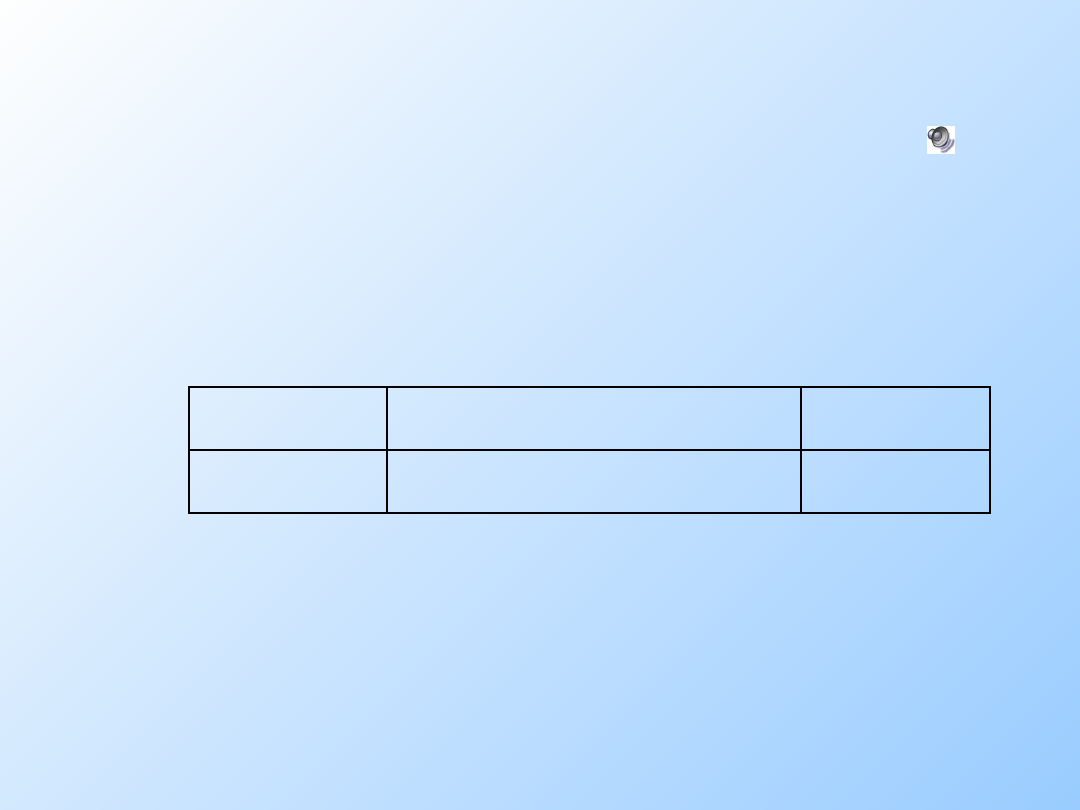
But what tuple appears in Drinkers?
name addr
phone
‘Sally’ ‘123 Sesame St’ NULL
If we had declared phone NOT NULL,
this insertion would have been
rejected.

18
Adding Attributes
We may change a relation schema by
adding a new attribute (“column”) by:
ALTER TABLE <name> ADD
<attribute declaration>;
Example:
ALTER TABLE Bars ADD
phone CHAR(16)DEFAULT ‘unlisted’;

19
Deleting Attributes
Remove an attribute from a relation
schema by:
ALTER TABLE <name>
DROP <attribute>;
Example: we don’t really need the
license attribute for bars:
ALTER TABLE Bars DROP license;

20
Views
A view is a “virtual table,” a relation
that is defined in terms of the
contents of other tables and views.
Declare by:
CREATE VIEW <name> AS <query>;
In contrast, a relation whose value is
really stored in the database is
called a base table.

21
Example: View Definition
CanDrink(drinker, beer) is a view “containing”
the drinker-beer pairs such that the drinker
frequents at least one bar that serves the
beer:
CREATE VIEW CanDrink AS
SELECT drinker, beer
FROM Frequents, Sells
WHERE Frequents.bar = Sells.bar;

22
Example: Accessing a
View
You may query a view as if it were a
base table.
There is a limited ability to modify views
if the modification makes sense as a
modification of the underlying base
table.
Example:
SELECT beer FROM CanDrink
WHERE drinker = ‘Sally’;

23
What Happens When a
View Is Used?
The DBMS starts by interpreting the
query as if the view were a base table.
Typical DBMS turns the query into
something like relational algebra.
The queries defining any views used by
the query are also replaced by their
algebraic equivalents, and “spliced
into” the expression tree for the query.
24
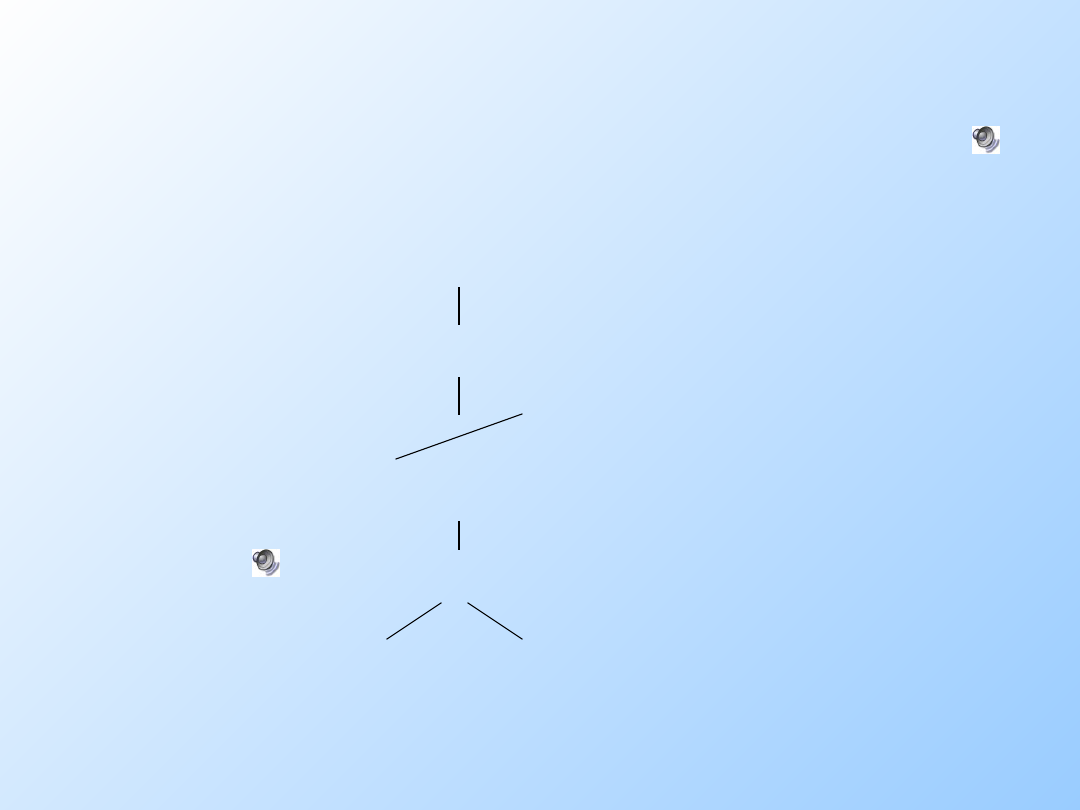
Example: View Expansion
PROJ
beer
SELECT
drinker=‘Sally’
CanDrink
PROJ
drinker, beer
JOIN
Frequents Sells

25
DMBS Optimization
It is interesting to observe that the
typical DBMS will then “optimize”
the query by transforming the
algebraic expression to one that
can be executed faster.
Key optimizations:
1.
Push selections down the tree.
2.
Eliminate unnecessary projections.
26
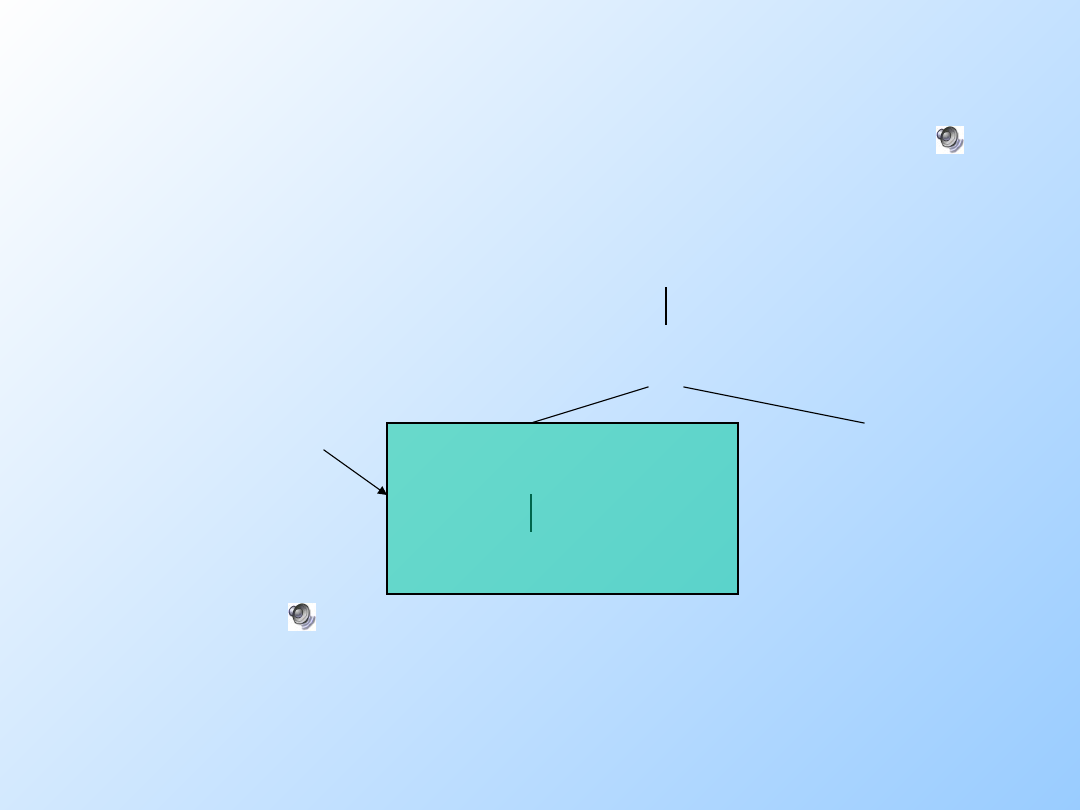
Example: Optimization
PROJ
beer
JOIN
SELECT
drinker=‘Sally’
Sells
Frequents
Notice how
most tuples
are eliminated
from Frequents
before the
expensive join.
Document Outline
- More SQL
- Defining a Database Schema
- Declaring a Relation
- Elements of Table Declarations
- Example: Create Table
- Dates and Times
- Times as Values
- Declaring Keys
- Declaring Single-Attribute Keys
- Declaring Multiattribute Keys
- Example: Multiattribute Key
- PRIMARY KEY Versus UNIQUE
- Required Distinctions
- Other Declarations for Attributes
- Example: Default Values
- Effect of Defaults -- 1
- Effect of Defaults -- 2
- Adding Attributes
- Deleting Attributes
- Views
- Example: View Definition
- Example: Accessing a View
- What Happens When a View Is Used?
- Example: View Expansion
- DMBS Optimization
- Example: Optimization
Wyszukiwarka
Podobne podstrony:
SQL3 3
sbd, sql3, ===========================================
sql3
SQL3 Nowy standard jezyka SQL 1998 (1)
SQL3 implementacje
SQL3 3
SQL3 Prezentacja
więcej podobnych podstron